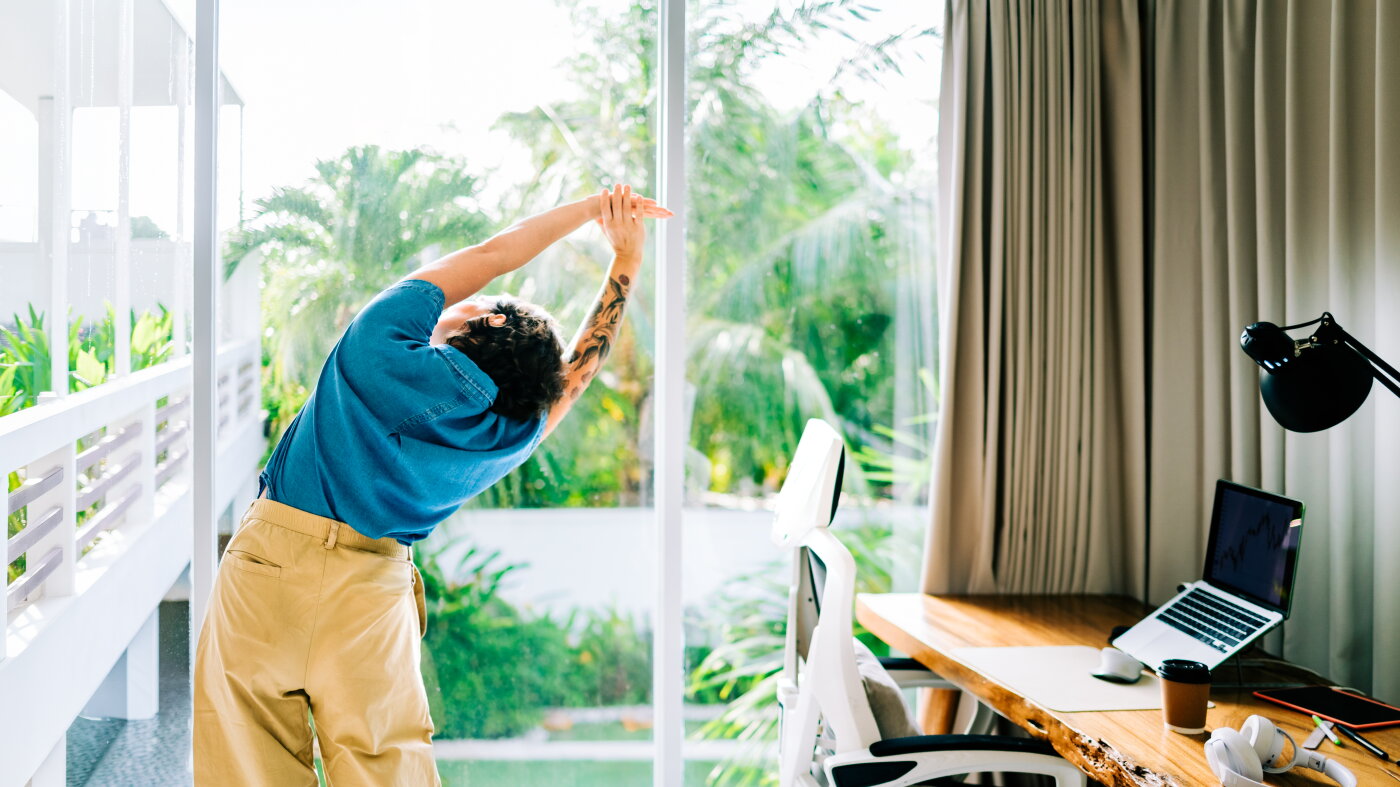
Achy from sitting at a desk all day? Try doing this
0 / 51
English
中文
Back pain, eye strain, sluggishness, shoulder aches, restlessness.
(暂无翻译)
If you sit in front of a computer for long periods of time, whether it's for work or leisure, you've probably experienced one of these symptoms.
(暂无翻译)
But there are ways to relieve some of this discomfort — and even combat some of the health risks that may come with prolonged sitting. That includes walking breaks, ergonomic solutions and quick, simple stretches.
(暂无翻译) (暂无翻译)
Here's a roundup of tips that have been previously featured on Life Kit.
(暂无翻译)
We know that a sedentary lifestyle isn't great for human health. Studies have shown it can lead to fatigue, weight gain and back and joint pain — and it's been linked to chronic diseases like obesity, heart disease and cancer. Yet adults in the United States spend an average of 9.5 hours sitting per day, involved in activities tied to computers, laptops and phones.
(暂无翻译) (暂无翻译) (暂无翻译)
But there may be a way to mitigate its harms. In 2023, researchers at Columbia University Medical Center set out to find the least amount of movement you need to counteract the dangers of prolonged sitting. And they found that walking for five minutes every 30 minutes was the most effective strategy.
(暂无翻译) (暂无翻译) (暂无翻译)
In 2023, our colleagues at NPR's Body Electric tested out this five-minute walking exercise on our NPR listeners. Over 20,000 participants joined the challenge — and reported higher productivity and lower fatigue.
(暂无翻译) (暂无翻译)
Want to give this walking challenge a try? Get instructions from Body Electric — and use this worksheet to keep track of your walking breaks.
(暂无翻译) (暂无翻译)
Anyone who works at a desk knows how easy it can be to slip into a slouch. If we're not careful, that mid-back rounding can creep into all of our sitting time and create pain by putting stress on the middle section of our spine.
(暂无翻译) (暂无翻译)
This movement above seeks to relieve that stress and encourage flexibility by mimicking the natural movements of the spine — side bending, bending backward and rotating, says Vinh Pham, a physical therapist. The idea is to get the body comfortable with these motions so that when you encounter them in real life, they're not painful.
(暂无翻译) (暂无翻译)
To do this modified movement, which Pham calls the 3D T-spine rotation, stand up and drop your right foot behind the left, about a foot apart. Starting with the right arm straight up and the left arm behind you, as if you're shaking the hand of the person behind you, simultaneously drop your arms — still in a straight position — and twist toward your right foot. Move them back to their original position and hold for two seconds. Repeat the movement ten times before switching legs and doing the same exercise on the other side.
(暂无翻译) (暂无翻译) (暂无翻译) (暂无翻译)
For more pain-relieving stretches, read this story.
(暂无翻译)
When you stare at a screen for long periods of time, your eyes have to work hard. They must first turn inward to look at a close subject, then adjust the focus for short vision and hold that position.
(暂无翻译) (暂无翻译)
Digital eye strain, as eye doctors call it, can cause eye fatigue, headaches or blurry vision. Try the exercise below to relieve that strain.
(暂无翻译) (暂无翻译)
Fidgeting is a sign you need to break out of a stagnant posture, says Katy Bowman, a biomechanist and author of Rethink Your Position and Movement Matters. Even a position that feels comfortable at first can begin causing back pain, headaches or stiffness if you hold it long enough.
(暂无翻译) (暂无翻译)
So listen to your body and mix things up. Alternate between sitting, standing, reclining and moving. That might mean opting to stand in the back of a conference room during a big staff meeting, taking a call while going on a walk or reading a report with your feet propped up in the break room.
(暂无翻译) (暂无翻译) (暂无翻译)
The goal is to put yourself in configurations that contort your body in different ways. They should be "adaptive and dynamic" and easy to "change in and out of," says Leada Malek, a physical therapist and author of the book Science of Stretch.
(暂无翻译) (暂无翻译)
Don't worry too much about what is "good" and "bad" posture. Both Malek and Bowman agree on a common phrase among physical therapists: "Your best posture is your next posture."
(暂无翻译) (暂无翻译)
Your monitor screen should be at eye level so you're not craning your head down to see. And, your keyboard and mouse should be low enough so you're not shrugging your shoulders and lifting up your arms like a praying mantis to type and click.
(暂无翻译) (暂无翻译)
Meg Honan, a professional ergonomist, says this common "head down and arms up" position sets you up to feel "achy, sore and tired." To combat this uncomfortable and oftentimes painful position, try repositioning your tech. Bring your laptop or desktop monitor screen up to eye level with a stack of books or some other platform.
(暂无翻译) (暂无翻译) (暂无翻译)
Place your keyboard and mouse at a lower height where you don't have to shrug your shoulders to use them. If your keyboard is attached to your laptop, consider connecting an external keyboard and mouse so you can have the computer screen at your eye level and lower your arms. External mouses don't just help lower our arms, but they also prevent the constant strain of using a trackpad.
(暂无翻译) (暂无翻译) (暂无翻译)
For more ergonomic tips, read our story.
(暂无翻译)
This story includes reporting from Ruth Tam, Sylvie Douglis, Frank Festa, Andee Tagle, Manoush Zomorodi and Margaret Cirino. This story was edited by Meghan Keane. The visual editor is Beck Harlan. We'd love to hear from you. Leave us a voicemail at 202-216-9823, or email us at LifeKit@npr.org.
(暂无翻译) (暂无翻译) (暂无翻译) (暂无翻译) (暂无翻译)
仅供学习使用,如有侵权请联系删除 · 查看原文